Daily loss limit
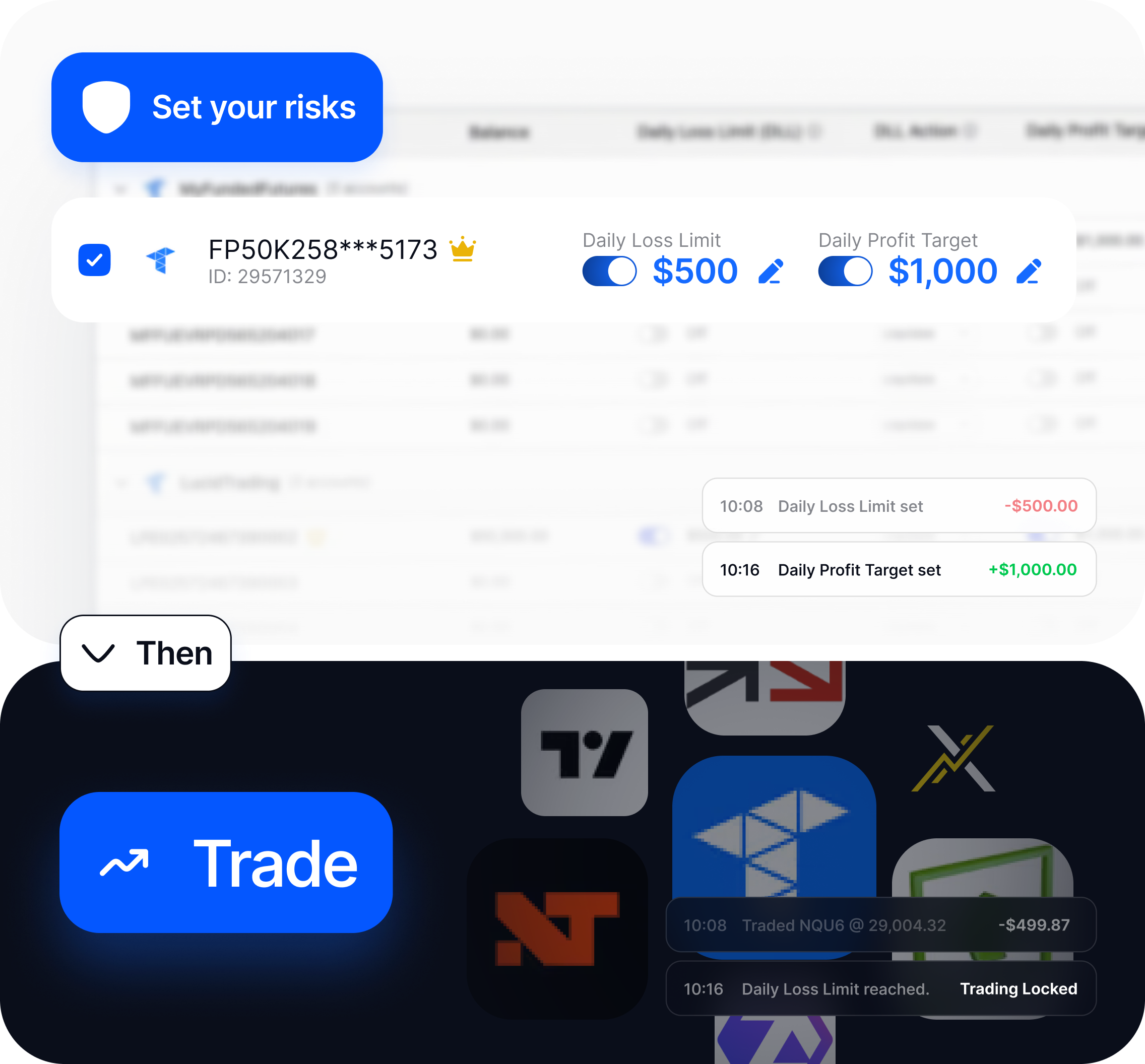
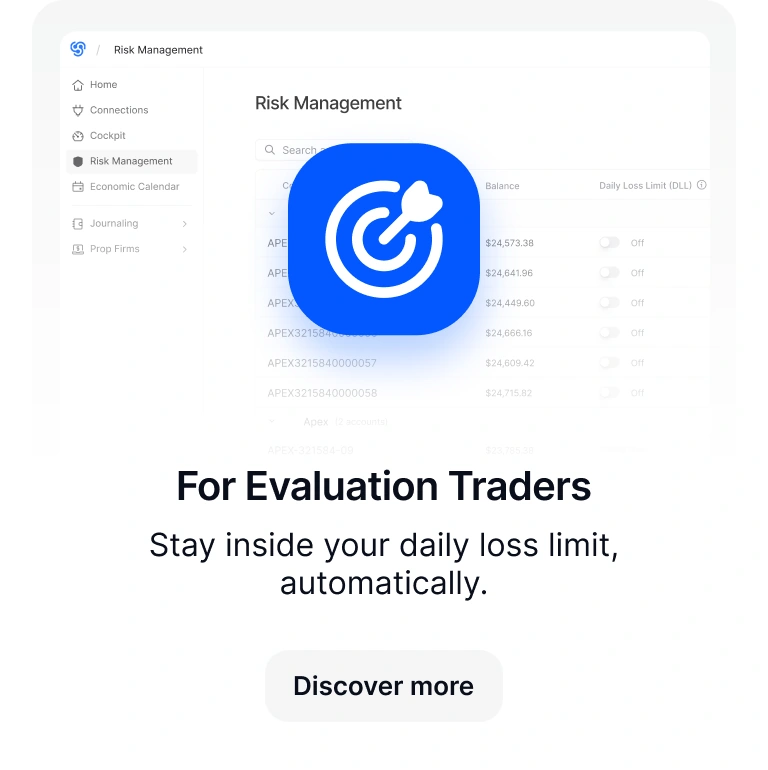
Track Net P/L from 6:00 PM ET and close positions when your account-level stop is reached.
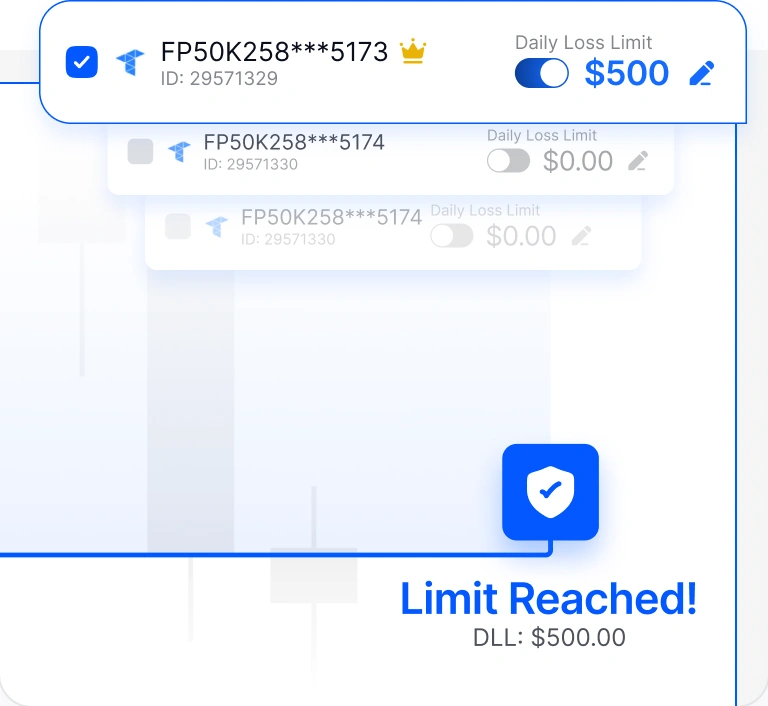


Know what’s protected before you trade. Set your risk before emotions take over.
Put limits around overtrading, chasing losses, and giving back gains.
Track Net P/L from 6:00 PM ET and close positions when your account-level stop is reached.
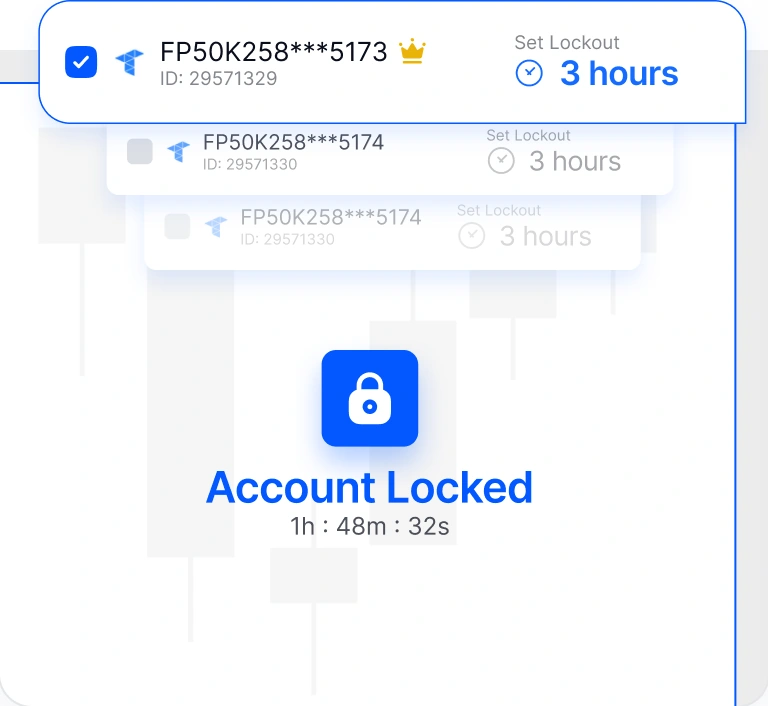
Lock one or multiple accounts by session, quick preset, or a custom date and time.
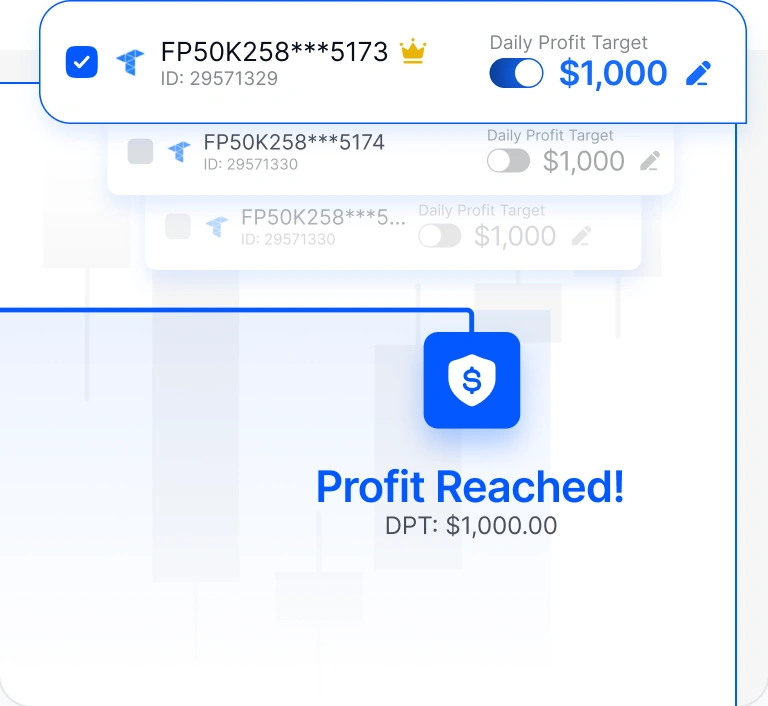
Set the level where you're done for the day. Positions close, open orders cancel. Keep the gain intact.
Manage risk without watching every account. Lockouts stop new trades from copying.
Connect once, and supported rules stay in place across the accounts you manage.
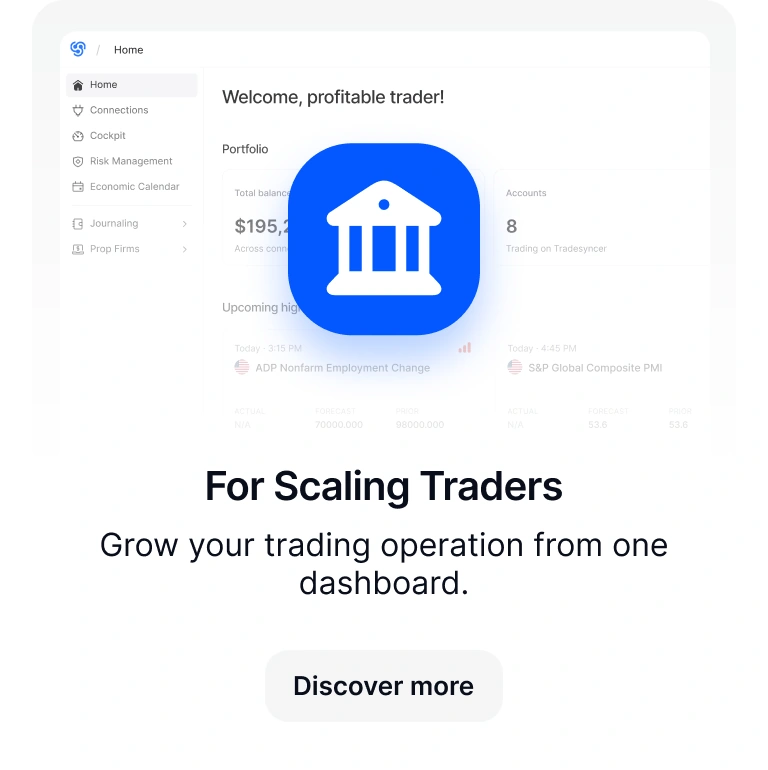
Your trades, performance, funded accounts, and risk controls, all in one place.
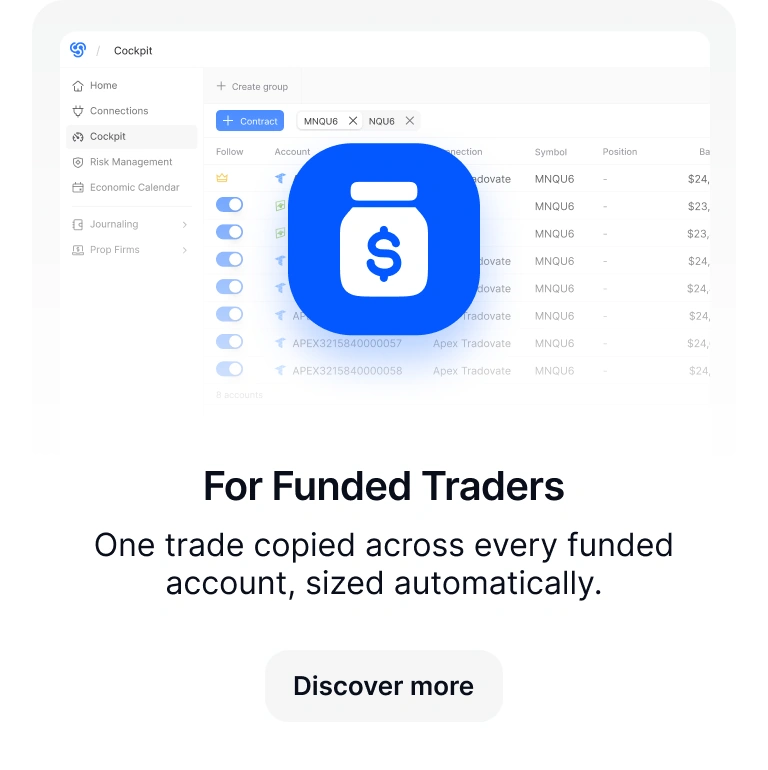
Copy trades across funded accounts, with built-in risk management features to keep you safe.
Discover moreReview the trades that happened before a lockout, daily loss limit, or profit trigger fired.
Discover moreSee what each account really costs and returns, with resets, activations, fees, and payouts in one view.
Discover moreOne platform, matched to the stage you're actually in.
Built to grow with your trading business.

Keep follower accounts aligned with the leader. No unwanted exposure.

Connect your TradingView-linked accounts through Tradovate.

Bracket and OCO orders copy and update automatically.

Adjust position sizing for each follower account using multipliers.

See your portfolio performance at a glance.

Trade account groups separately by strategy, risk, or account type.

Cleaner syncing by copying only leader orders that actually fill.

Know the moment something needs your attention.

Access your trading operation from anywhere.

Work on desktop, laptop, tablet, or phone.

Trade on the devices you already use.

Fully compliant with prop firm rules.
See what our users say about Tradesyncer.


"If you're managing more than one account, timing is everything. I've been using Tradesyncer to mirror my trades instantly across accounts…"
"I have been using Tradesyncer for a while now, and it has completely exceeded my expectations. The tool itself works flawlessly…"
"Fantastic tool to copy trades across multiple brokers with multiple integrated tools. The platform is also constantly improving…"
 GDPR compliant
 CCPA compliant
 SSL encrypted
 NIS2 compliant
 ISO 27002 compliant
Tradesyncer connects through supported broker APIs and keeps your trading workflow in the cloud.
Tradesyncer closes open positions, cancels pending orders, stops new copied trades, and freezes account settings inside Tradesyncer. The account can still be traded directly through your broker or trading platform.
Both start tracking at 6:00 PM ET and run through the session. They measure Net P/L (open P/L, realized P/L, commissions, and fees included) and update in real time. When your threshold is hit, positions close and orders cancel. These apply to Tradovate accounts via API.
No. When DLL or DPT triggers, positions close and open orders cancel, but the account isn't locked automatically. If you want to stop all copied trades after that point, set a lockout separately.
DLL and DPT apply to your Tradovate account directly via API. You set the values inside Tradesyncer. Lockouts are separate and enforced inside Tradesyncer, not at the broker level.
Yes. Free 7-day trial on all plans. Card required. Your card is charged on day 7 unless you cancel before then.
Monitor P&L, account status, and every prop firm connection from desktop or mobile, wherever you are.
Join 25,000+ traders who set their account guardrails before the session starts.