
For iPhone
Native app coming soon


Monitor your prop firm portfolio on any device. Your trades keep copying in the cloud.
Browser access is available today. Native iOS and Android apps are coming soon.
Add each account once, then keep costs, payouts, and profit up to date as you trade.
Go to app.tradesyncer.com on your phone.
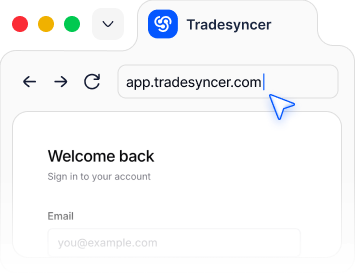
Use the same account you use on desktop.
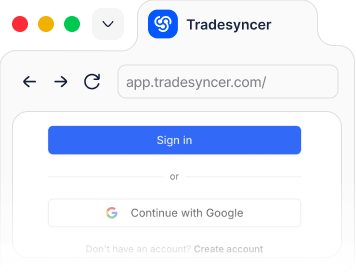
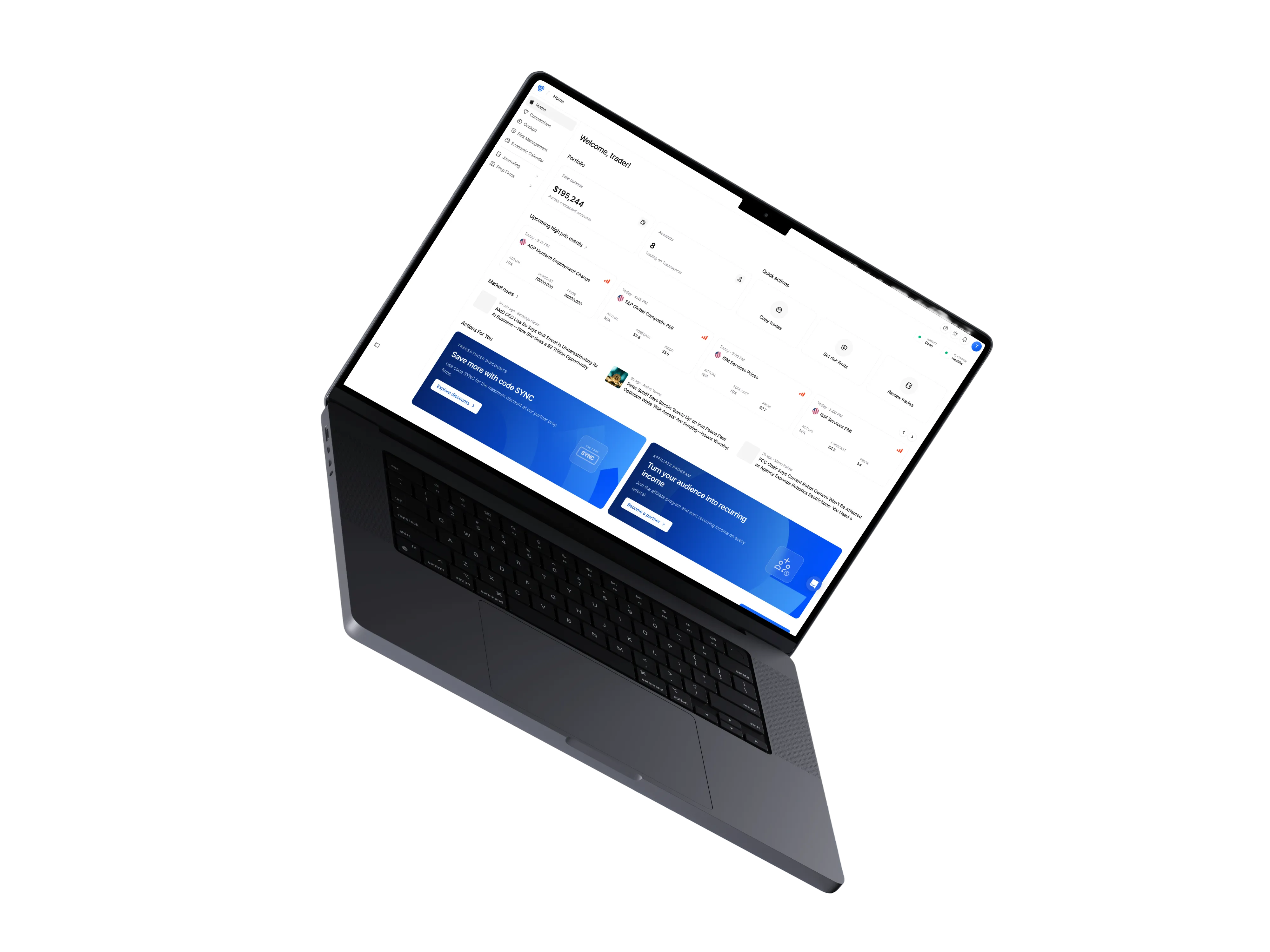
See your connected accounts, performance, and current setup.
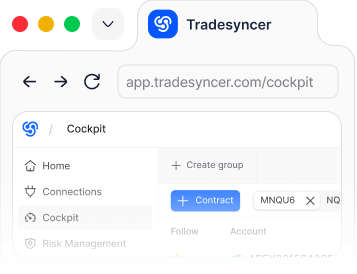
Once you connect your accounts and activate copy trading, trades from your leader
account keep copying in the cloud. Even when your browser or laptop is closed.
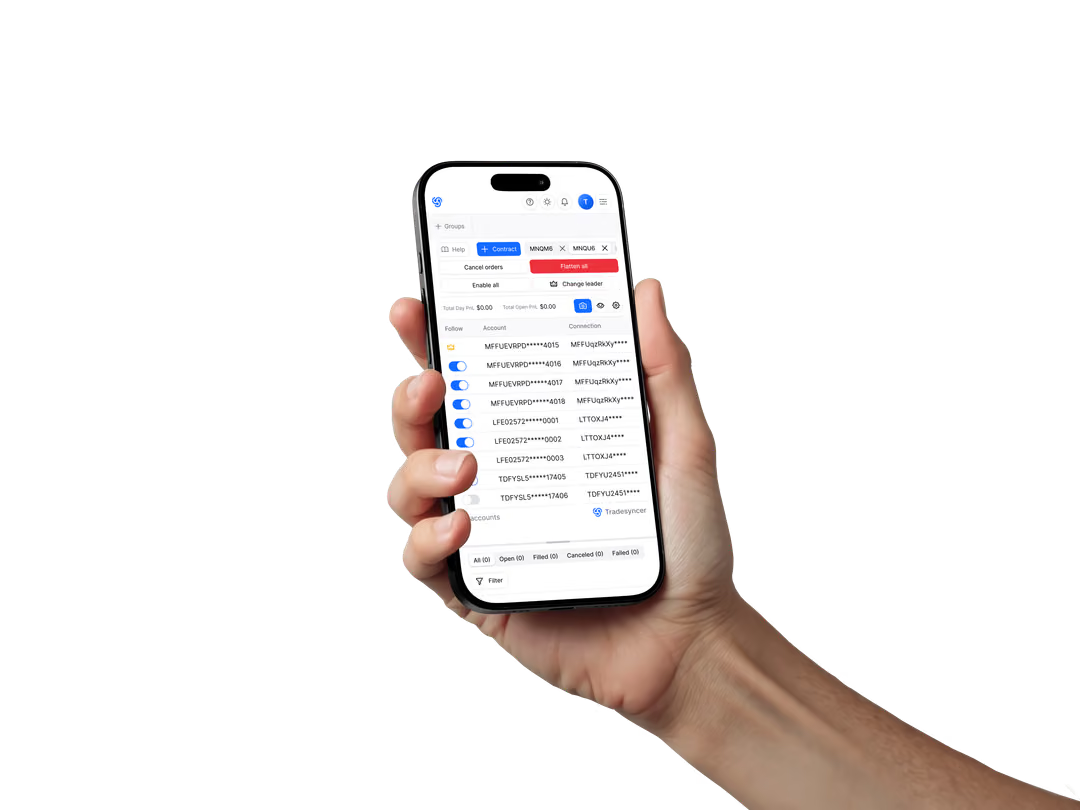
Native apps for iOS and Android are on the way. Until then, your mobile browser gives you access to Tradesyncer today.
Use Tradesyncer in your browserNative app coming soon

Native app coming soon
A quick check between sessions. A look at the day’s results. Your workspace is right there when you need it.
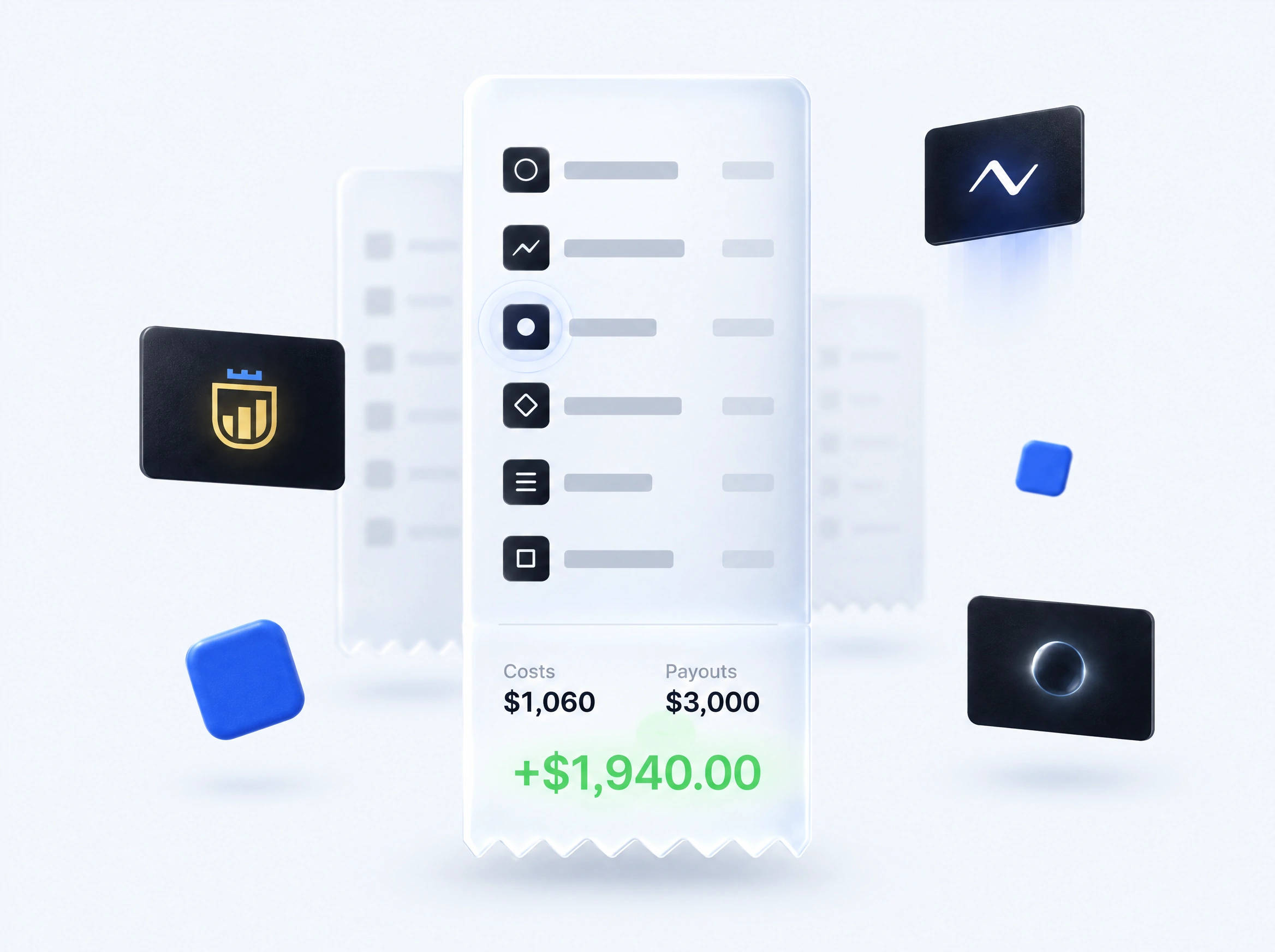
Compatible with all major prop firms and platforms. Monitor every account, without logging into each firm’s portal.
Explore Prop Firm Tracker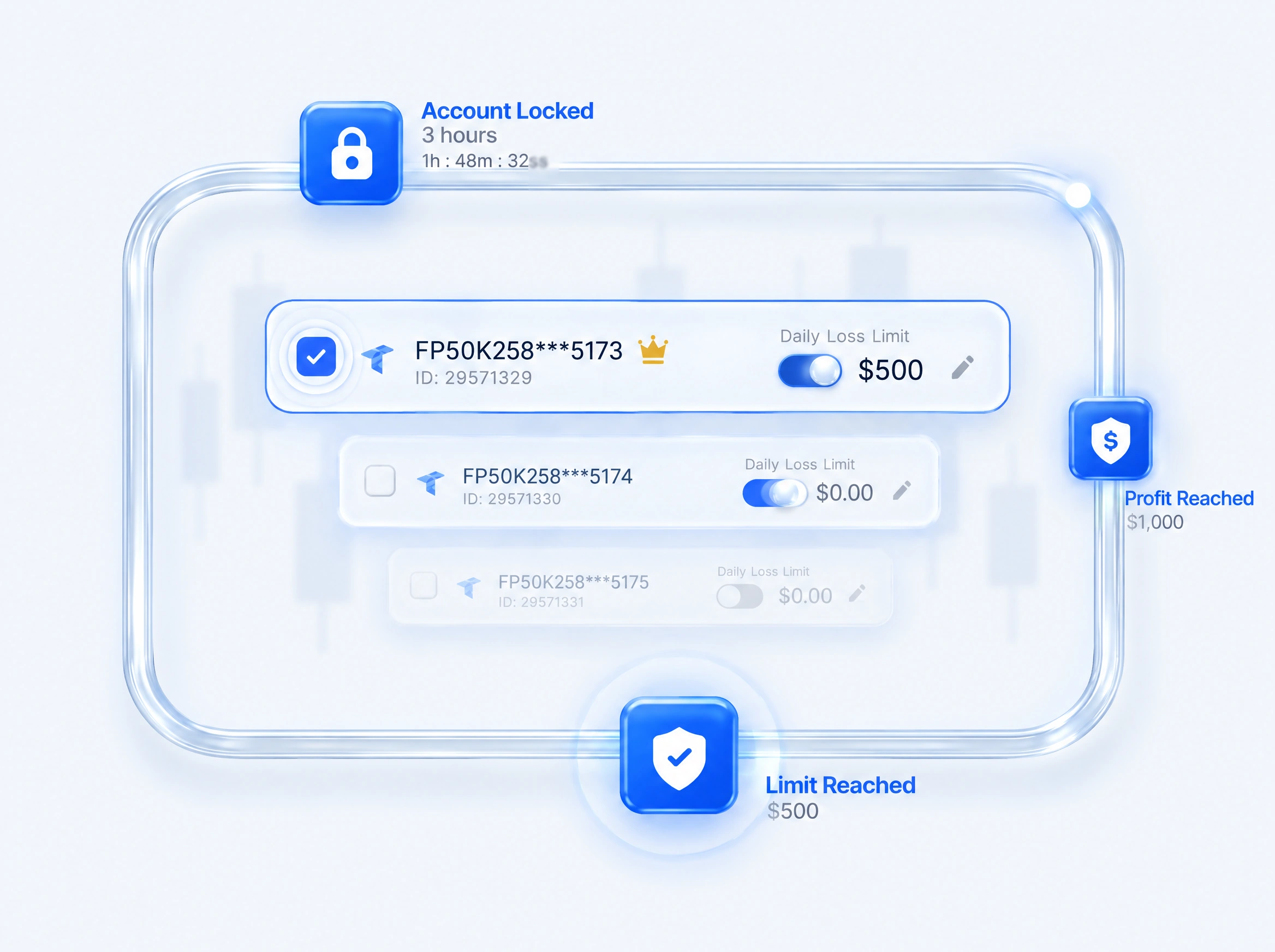
Sync trades across your accounts. Set risk settings once, and they stay enforced even when you’re on the go.
Explore Risk Management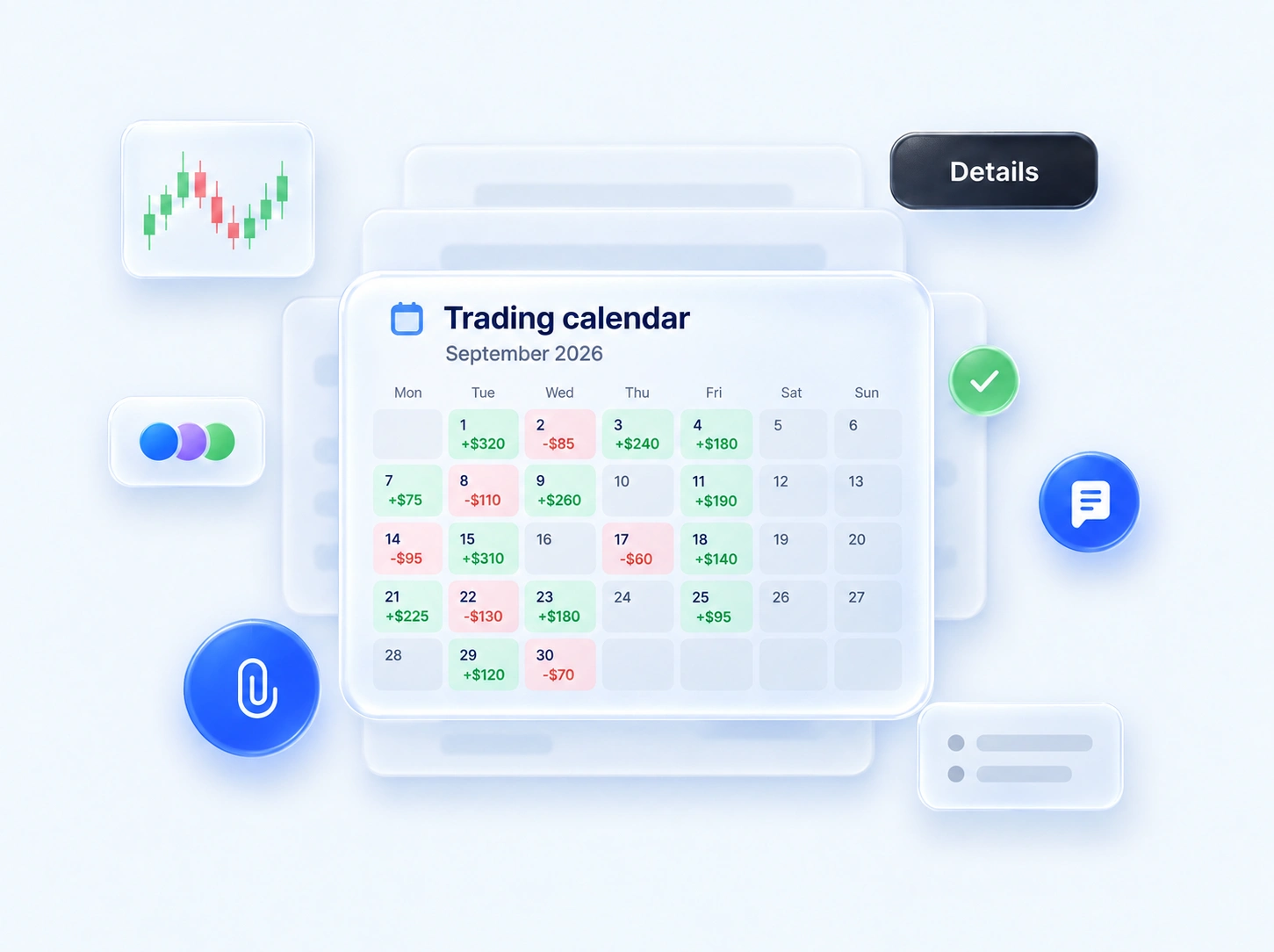
Trades automatically import into your journal. Leverage your data to refine your edge.
Explore Trading Journal


"If you're managing more than one account, timing is everything. I've been using Tradesyncer to mirror my trades instantly across accounts…"
"I have been using Tradesyncer for a while now, and it has completely exceeded my expectations. The tool itself works flawlessly…"
"Fantastic tool to copy trades across multiple brokers with multiple integrated tools. The platform is also constantly improving…"
 GDPR compliant
 CCPA compliant
 SSL encrypted
 NIS2 compliant
 ISO 27002 compliant
Tradesyncer connects through supported broker APIs and keeps your trading workflow in the cloud.
Not yet. Native iOS and Android apps are coming. Today, you can access Tradesyncer through your phone’s browser using your existing account. There is no app to download from the App Store or Google Play yet.
Yes. Tradesyncer works across iOS, Android, web, Windows, and macOS. You can manage your setup across all your devices.
No. Your active copy workflows run in the cloud. Closing the browser or switching devices does not stop them. Your accounts still need to remain connected to Tradesyncer.
Use Tradesyncer on mobile to monitor and manage your connected accounts, including their status and risk actions. For order entry and full charting, use your usual trading platform.
Native iOS and Android apps are coming, but we haven’t announced a release date. You can use the mobile browser version in the meantime.
Yes. Use the same Tradesyncer account on desktop and mobile. Mobile browser access is also included in your free 7-day trial.
Start your free 7-day trial. Use the same workspace on desktop and in your mobile browser.