

Copy trading without a separate app.
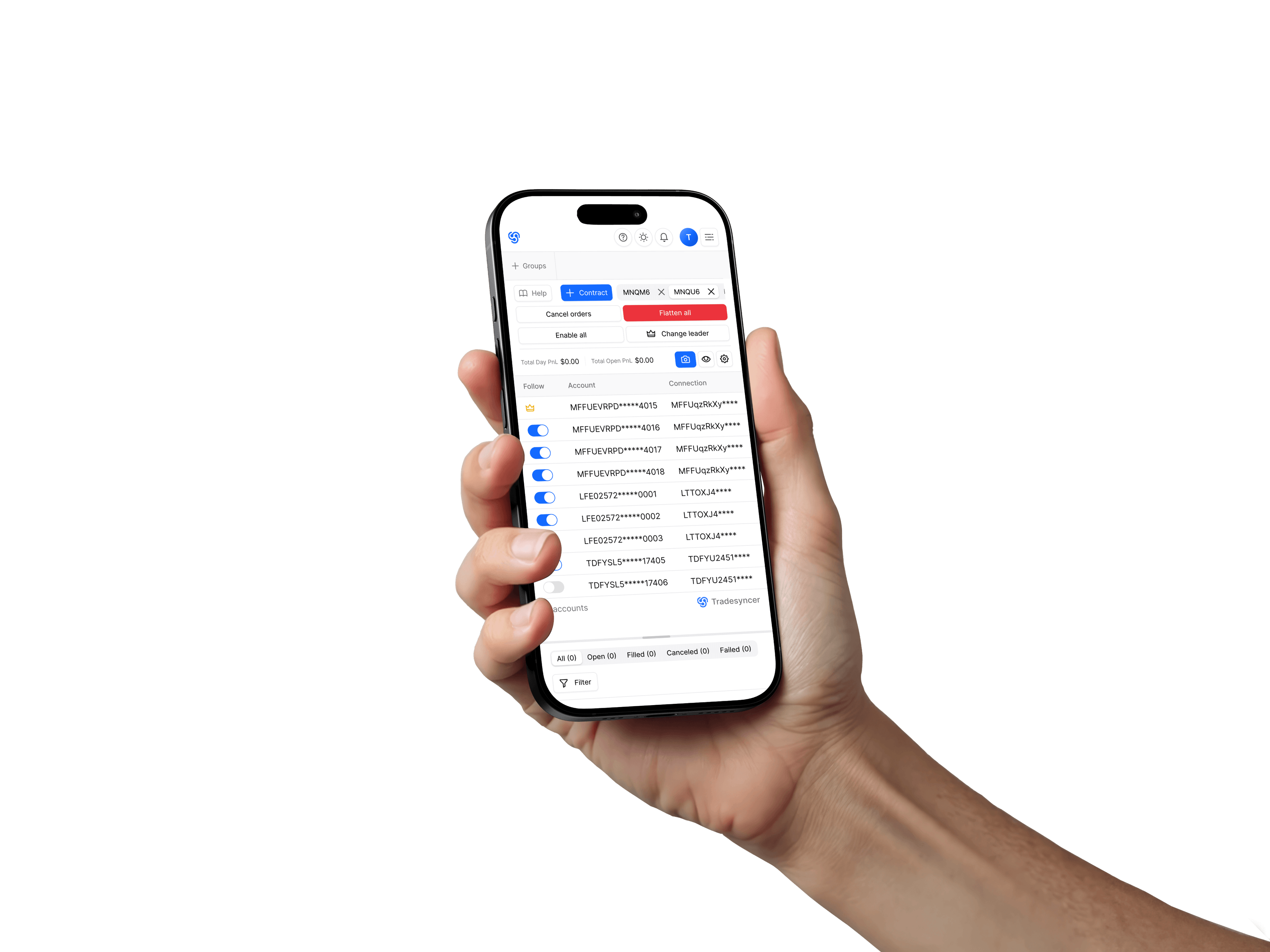
Tradesyncer runs in your browser on desktop and mobile, while copying continues in the cloud.
Card required · Charged on day 7 · Cancel before then
Built around a cloud-based workflow.
- 01
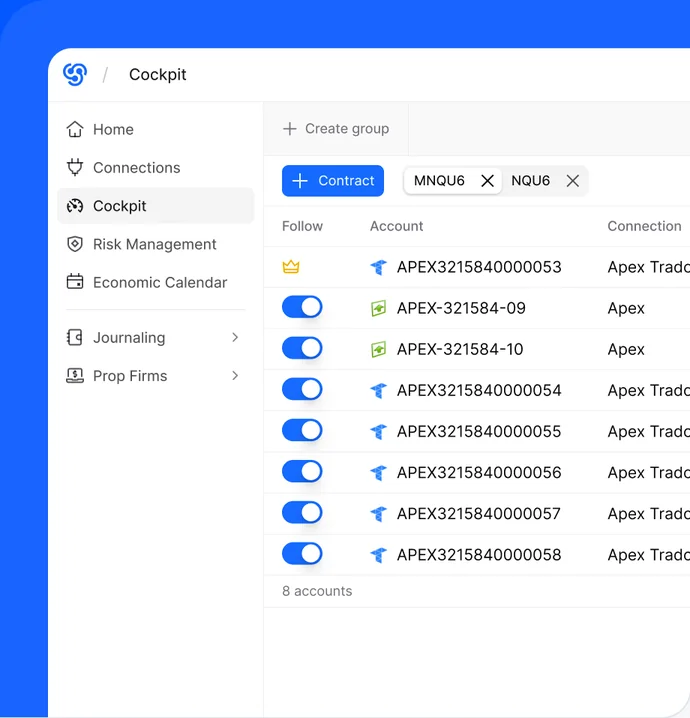
Choose a lead account
Pick the connected account that should drive the copy group.
- 02
Set follower rules
Control sizing per account before copied fills reach every follower.
- 03
Copy and review
Review copied fills by account and session after trading.
Mobile app vs. browser: how Tradesyncer runs.
Tradesyncer runs in your browser, with copying handled in the cloud. There’s nothing to install, no VPS to maintain, and you can access the same setup from desktop or mobile.
- Create your account in the browser.
- Connect supported accounts once.
- Set copy groups and sizing from the dashboard.


Does Tradesyncer have a mobile app?
There’s no separate app to download. Tradesyncer runs in your browser, so you can access the same dashboard from desktop or mobile.
Do I need to install anything or run a VPS?
No. There’s nothing to install and no VPS to maintain. Tradesyncer runs in the cloud.
Does copying depend on my browser staying open?
No. Copying runs in the cloud, so your browser or device doesn’t need to stay open.
Is there a free trial?
Yes. Try Tradesyncer free for 7 days. Card required. Your card is charged on day 7 unless you cancel before then.
Run the copier from any browser.
Connect accounts once and manage copying from desktop or mobile.