Multiple active evals
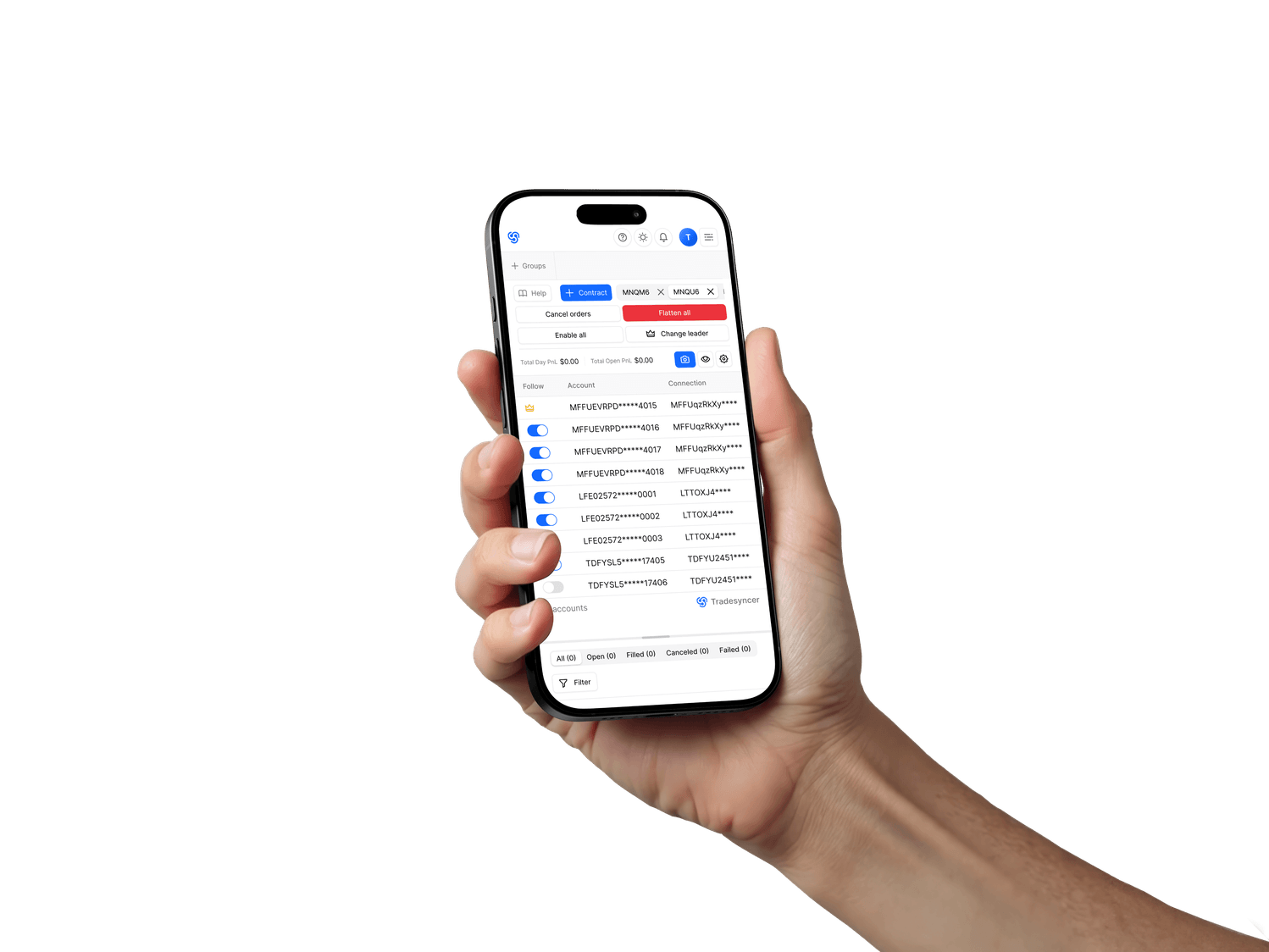
Running multiple evals at once? Copy from one leader to every eval you choose.


Trade once across your evals, with less manual work between you and the next stage.
You already have a setup that works. Run it cleanly across every eval account, without re-entering trades by hand.
Running multiple evals at once? Copy from one leader to every eval you choose.
Add guardrails to your next eval, so one rough session doesn’t turn into another reset.
Copy only where your firm allows it, with sizing set per account and every trade tracked.
Re-entering trades across tabs, chasing losses, or losing track of an eval can turn a working setup into a reset.
One manual re-entry lands late on one account and turns the same setup into a different trade.
A loss becomes a make-it-back trade before you’ve had a chance to step away.
The same order size can work in one eval and push another too close to its limits.
After a reset, your trade data is scattered across screenshots and exports instead of one journal.
A cleaner way to run the setup you already trust.

Copy only on accounts you personally own, where your firm allows it
Build copy groups around your setup.
Adjust position sizing per account.
Set session lockouts before you trade.
Connect your accounts once, then group them by firm
or strategy. Always check your firm's copy-trading rules before running evaluations in parallel.
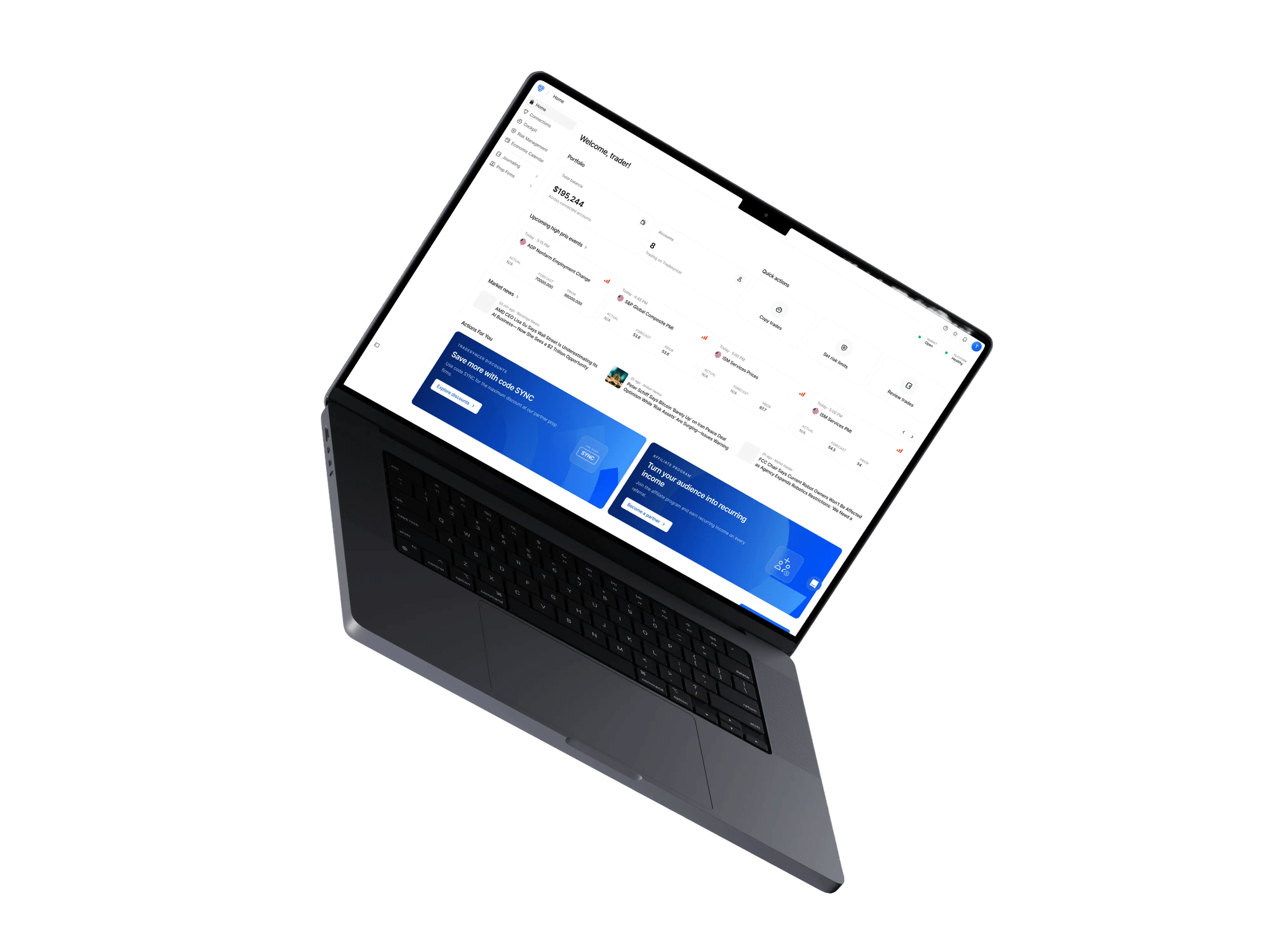
Move from execution to risk to review without switching between separate tools.
Copy trades from one leader to selected followers with 50ms average copy latency.
Discover moreSet session lockouts across connected accounts and keep account status and daily PnL in view.
Discover moreLog supported trades and imports with PnL, tags, and account context ready to review.
Discover moreHear from traders managing multiple evaluations with Tradesyncer.


"If you're managing more than one account, timing is everything. I've been using Tradesyncer to mirror my trades instantly across accounts…"
"I have been using Tradesyncer for a while now, and it has completely exceeded my expectations. The tool itself works flawlessly…"
"Fantastic tool to copy trades across multiple brokers with multiple integrated tools. The platform is also constantly improving…"
Everything you need to know before connecting your evaluation accounts.
Read moreNo. It’s for traders who already know how they trade and are running prop firm evaluations. Tradesyncer helps with execution, guardrails, and review; it doesn’t teach a strategy or guarantee a pass.
That depends on the firm. Copy-trading rules vary, so check your firm’s policy before using a copier across evaluation accounts.
No. Copying can make execution more consistent across accounts, but it doesn’t improve the underlying trade or strategy.
Set session lockouts across supported workflows. Daily loss and profit controls are also available for Tradovate accounts.
No. Tradesyncer runs in the cloud, so your computer doesn’t need to stay on for supported copy workflows.
Monitor P&L, account status, and every prop firm connection from desktop or mobile, wherever you are.
Copy your own trades cleanly, keep losing sessions contained, and review every attempt afterward.