




Evaluation Traders
See exactly where you trip up, so you can pass the eval faster.
Discover more

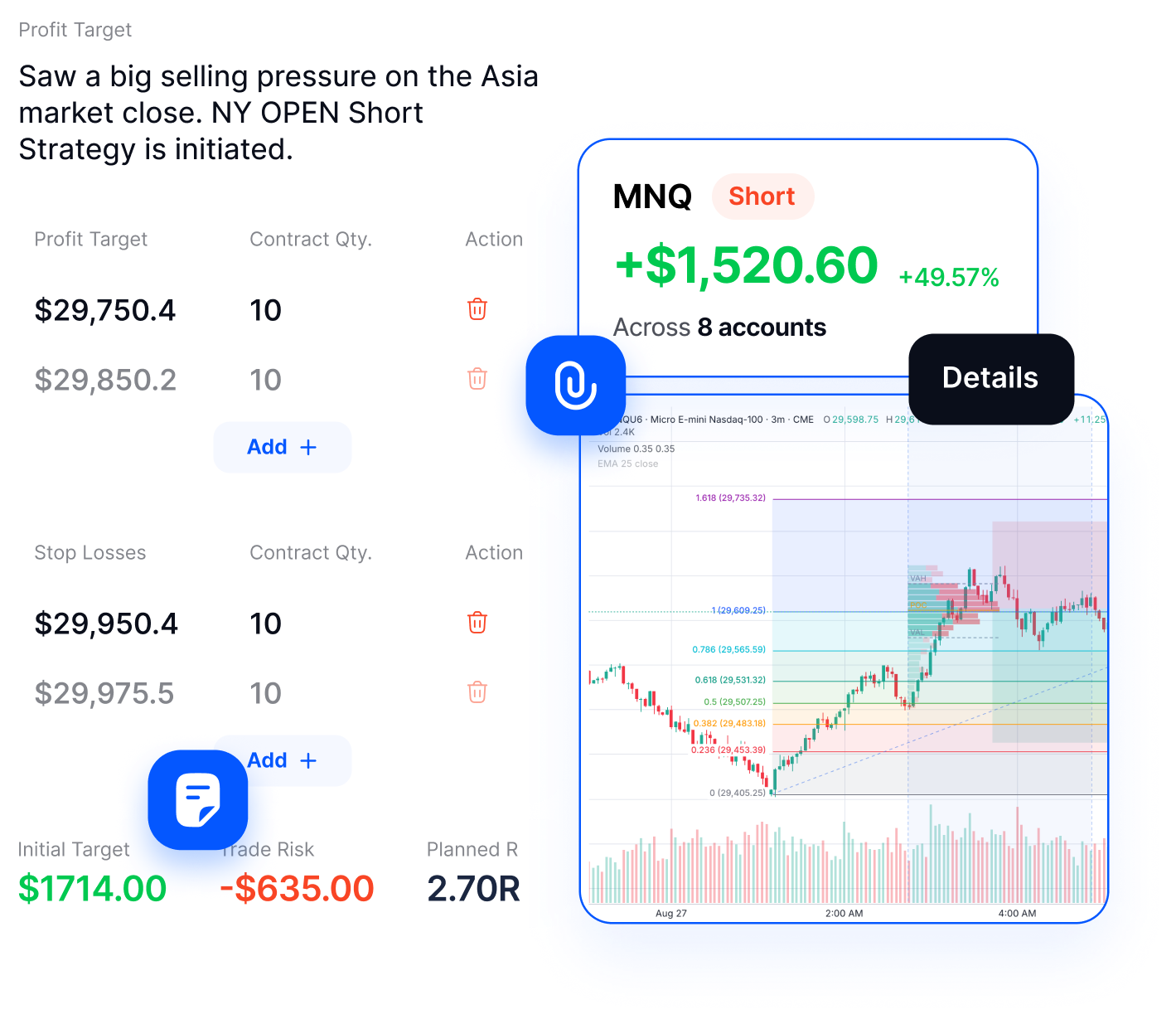
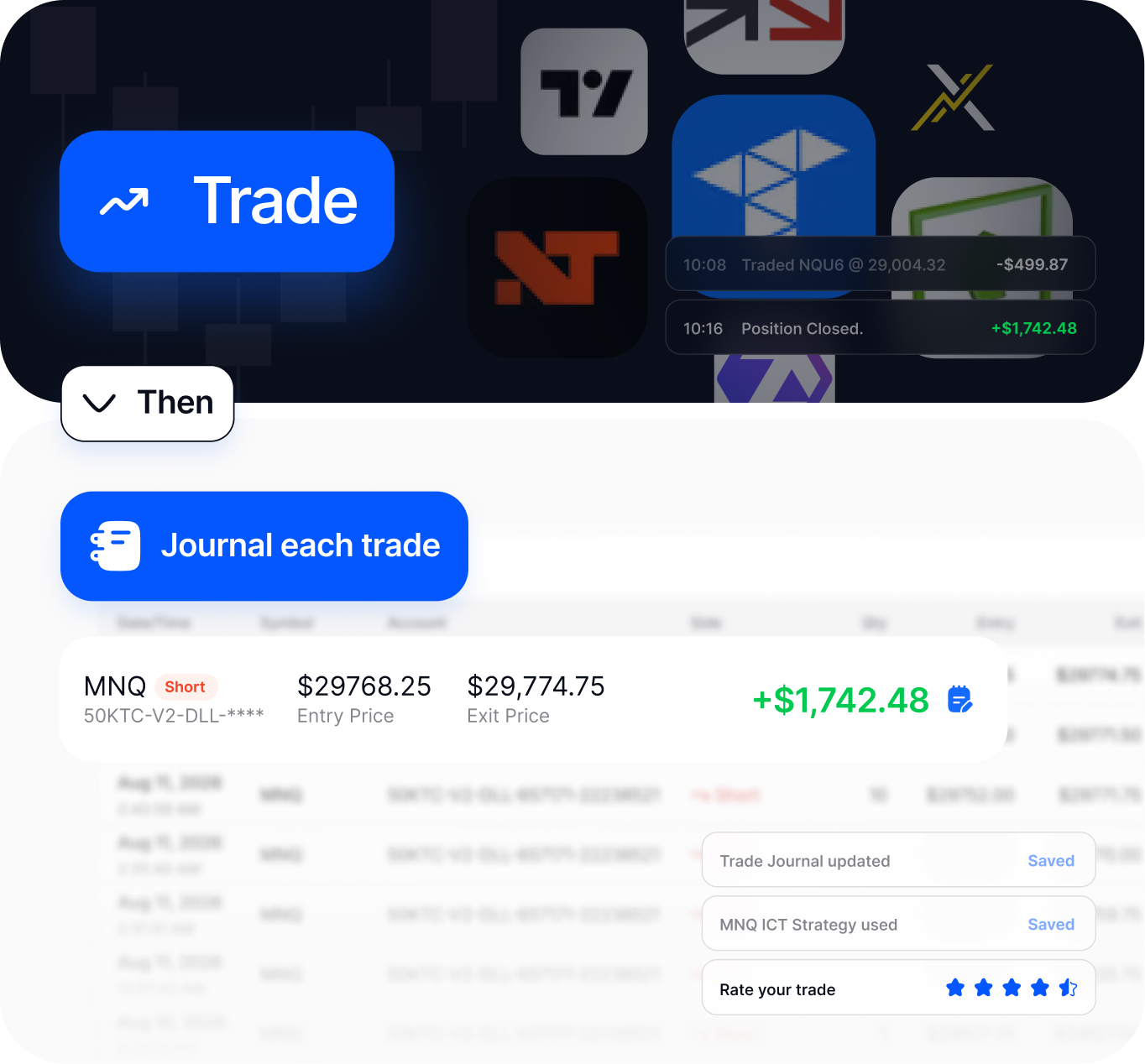
Review your trades across every account, with all executions synced automatically.
Every synced trade updates your win rate, PnL, and calendar automatically.
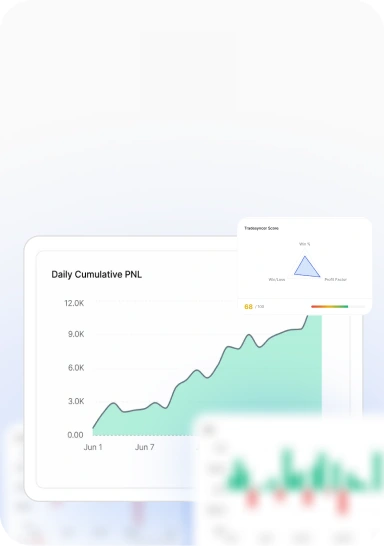
Green days, red days, and your deepest drawdown, calculated from every synced trade.
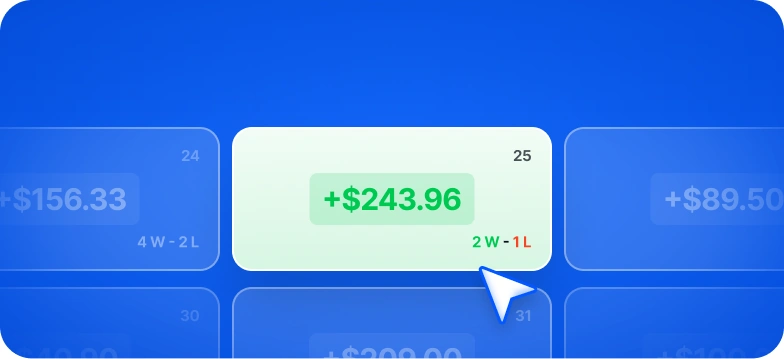
One tile per session. Click into it to see your trades, notes, and attached charts.

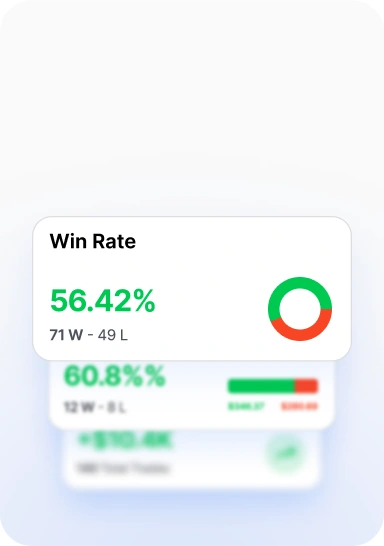
Every metric derived directly from the fills. No manual entry, no end-of-week reconciliation.
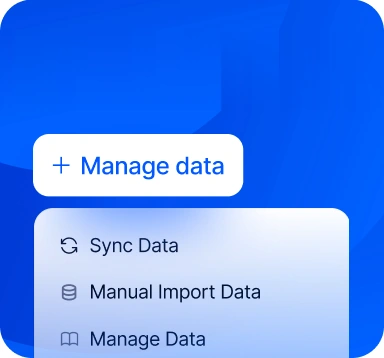
Auto-sync trades where the platform supports it. Manually import data where it doesn't.
Your monthly calendar, branded and sized for socials, exported straight from the journal.
Tradesyncer automates your journaling, so your data becomes your edge.
Filter any report by strategy, session, account, or tag. Identify and track which setups drive performance.
Copy trades, manage risk, and track prop firm performance. All built to integrate with your journal.
Automatically copy trades from a leader account to your followers.
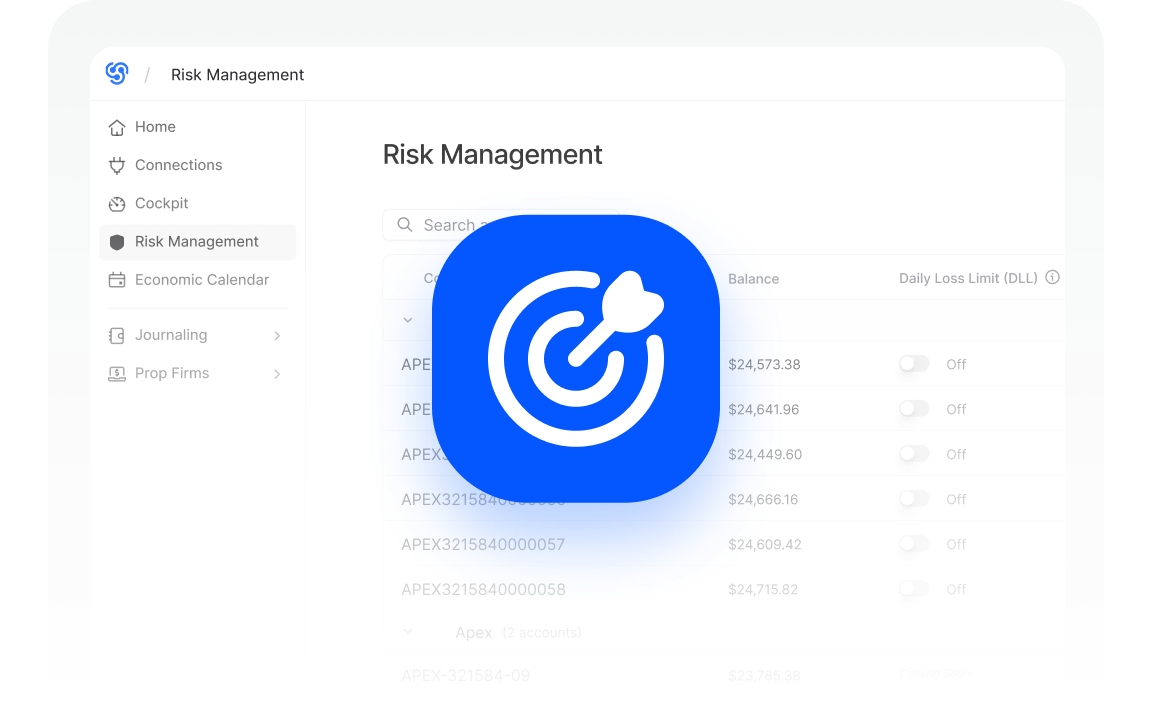
Discover moreSet supported risk rules across your accounts and manage them from the same platform.
Discover moreTrack evals, resets, activations, and payouts to see your true net profit.
Discover moreWhether you’re running an eval, scaling funded accounts, or managing a live account, the journal fits seamlessly into your workflow.
See exactly where you trip up, so you can pass the eval faster.
Discover more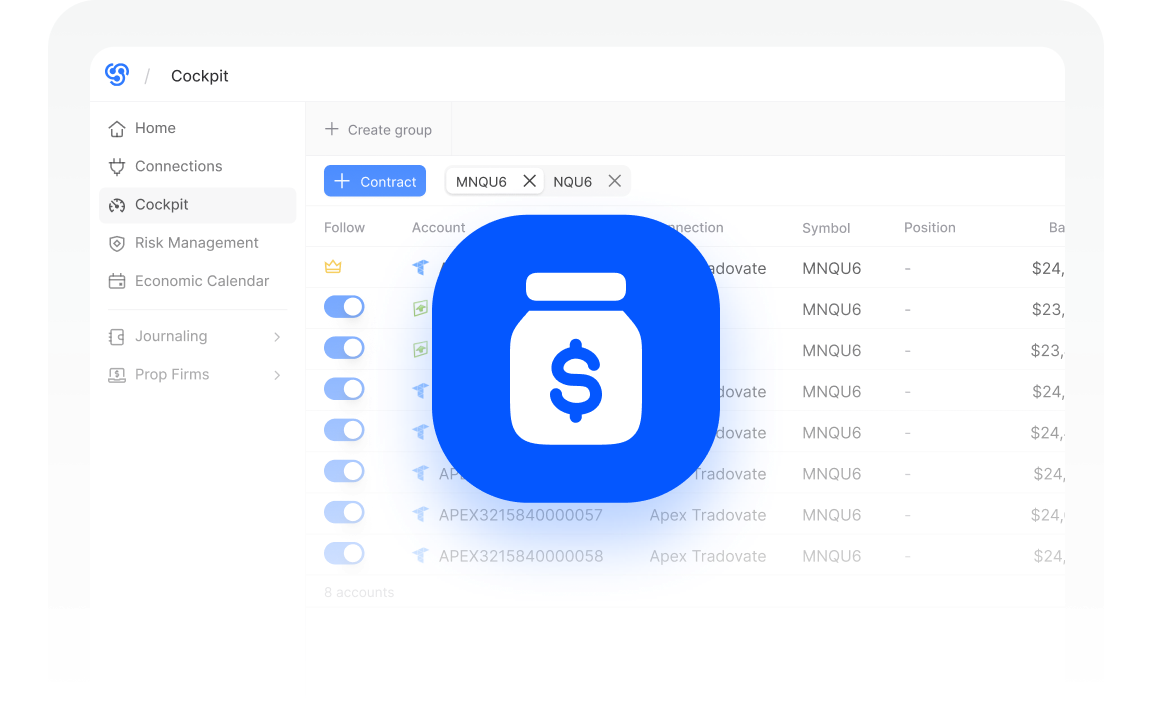
Protect your accounts, with drawdown and risk tracked on every trade.
Discover more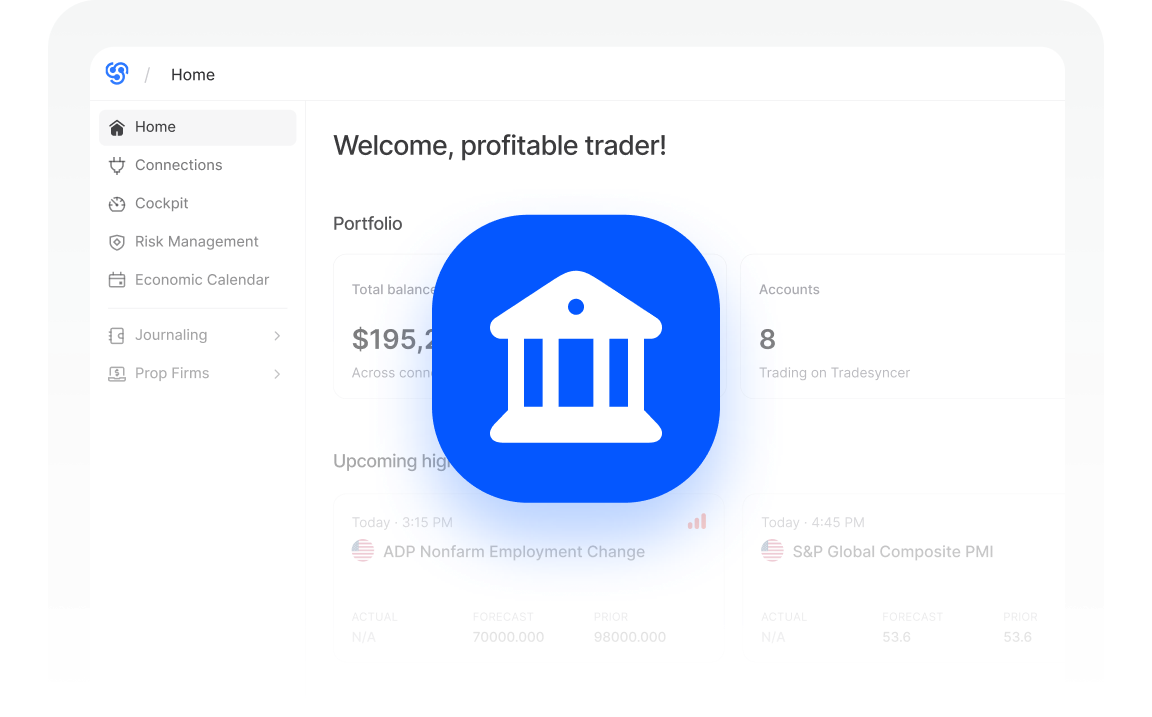
Compare accounts and strategies side by side as you grow your portfolio.
Discover moreBuilt to grow with your trading business.

Keep follower accounts aligned with the leader. No unwanted exposure.

Connect your TradingView-linked accounts through Tradovate.

Bracket and OCO orders copy and update automatically.

Adjust position sizing for each follower account using multipliers.

See your portfolio's performance at a glance.

Trade account groups separately by strategy, risk, or account type.

Cleaner syncing by copying only leader orders that actually fill.

Know the moment something needs your attention.

Access your trading operation from anywhere.

Work on desktop, laptop, tablet, or phone.

Trade on the devices you already use.

Fully compliant with prop firm rules.
Reviews from traders using Tradesyncer to journal and review their trades.


"If you're managing more than one account, timing is everything. I've been using Tradesyncer to mirror my trades instantly across accounts…"
"I have been using Tradesyncer for a while now, and it has completely exceeded my expectations. The tool itself works flawlessly…"
"Fantastic tool to copy trades across multiple brokers with multiple integrated tools. The platform is also constantly improving…"
 GDPR compliant
 CCPA compliant
 SSL encrypted
 NIS2 compliant
 ISO 27002 compliant
Your data is encrypted in transit and at rest, through official broker APIs. We meet global compliance standards. Full ownership stays with you, no exceptions.
Trades auto-sync from Tradovate, Rithmic, and ProjectX (including TopstepX), including trades you place through NinjaTrader or TradingView on those accounts. Trading on something else? Import your trades with a CSV upload instead.
Yes. Tradesyncer brings supported prop firm and funded accounts into the same journal, with trade data tied to the relevant account. Review accounts individually or together without downloading statements or maintaining a separate spreadsheet.
You can go beyond win rate and PnL with metrics including R-multiples, MAE/MFE, drawdown tracking, session and setup heatmaps, a monthly trade calendar, and per-firm breakdowns. Use the level of detail that makes sense for how you review your trading.
Yes. Tag trades by strategy and review the performance of each separately. You can compare strategies across accounts and see how each has performed over time.
Yes. Export your trading log and analytics to CSV whenever you need them. Your data stays available to take with you outside Tradesyncer.
Monitor P&L, account status, and every prop firm connection from desktop or mobile, wherever you are.
Join 25,000+ traders who spend less time logging and more time reviewing. Free for 7 days.