


Sync your trades
Choose a connected Tradovate account to lead your copy group, then copy trades to your selected followers.
Open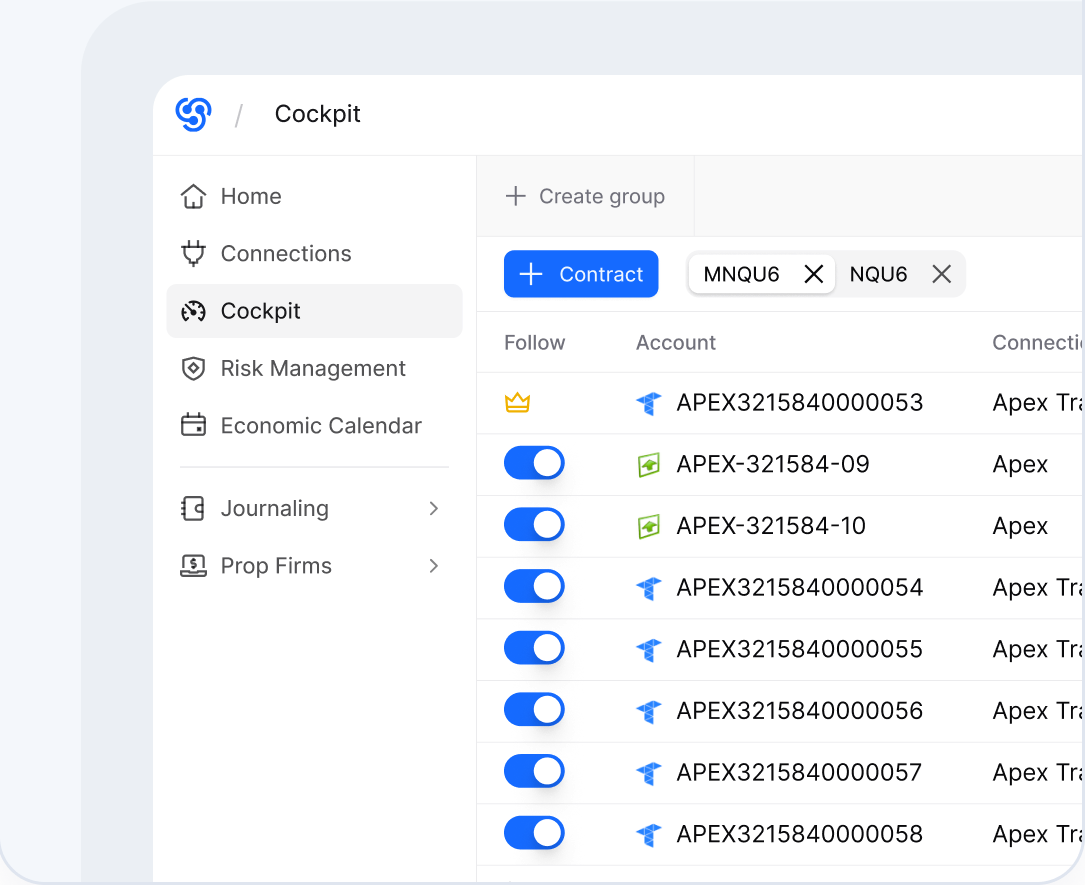


Connect Tradovate to copy trades across accounts, keep fills in sync, and add account-level risk controls where supported.
Assign a Tradovate lead account, choose followers, control sizing per account, and see all trades on one dashboard.
Start copying freeKeep Tradovate as your trading screen. Use Tradesyncer to copy trades, manage risk, and journal.
Choose a connected Tradovate account to lead your copy group, then copy trades to your selected followers.
Open
Set position sizing for each follower, plus daily loss limits and profit triggers applied directly to your Tradovate accounts via API.
Open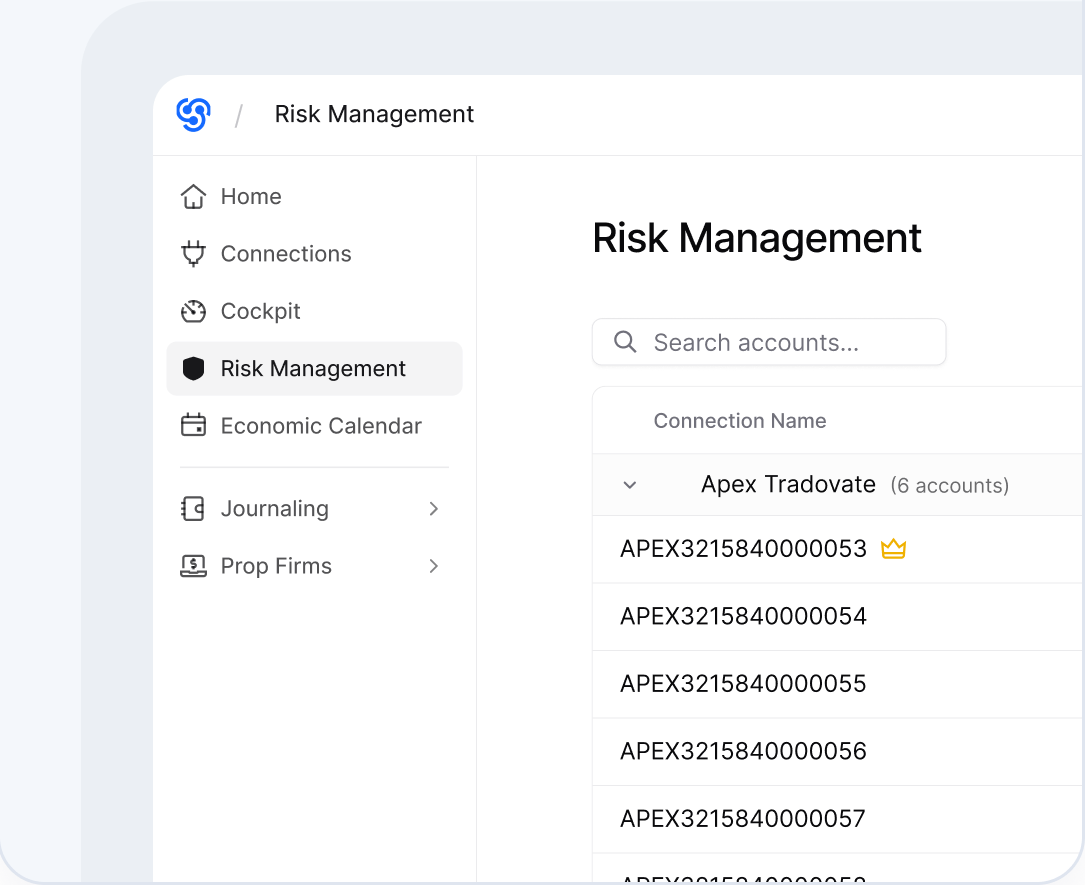

Tradesyncer automates your journaling, so your data becomes your edge.
Open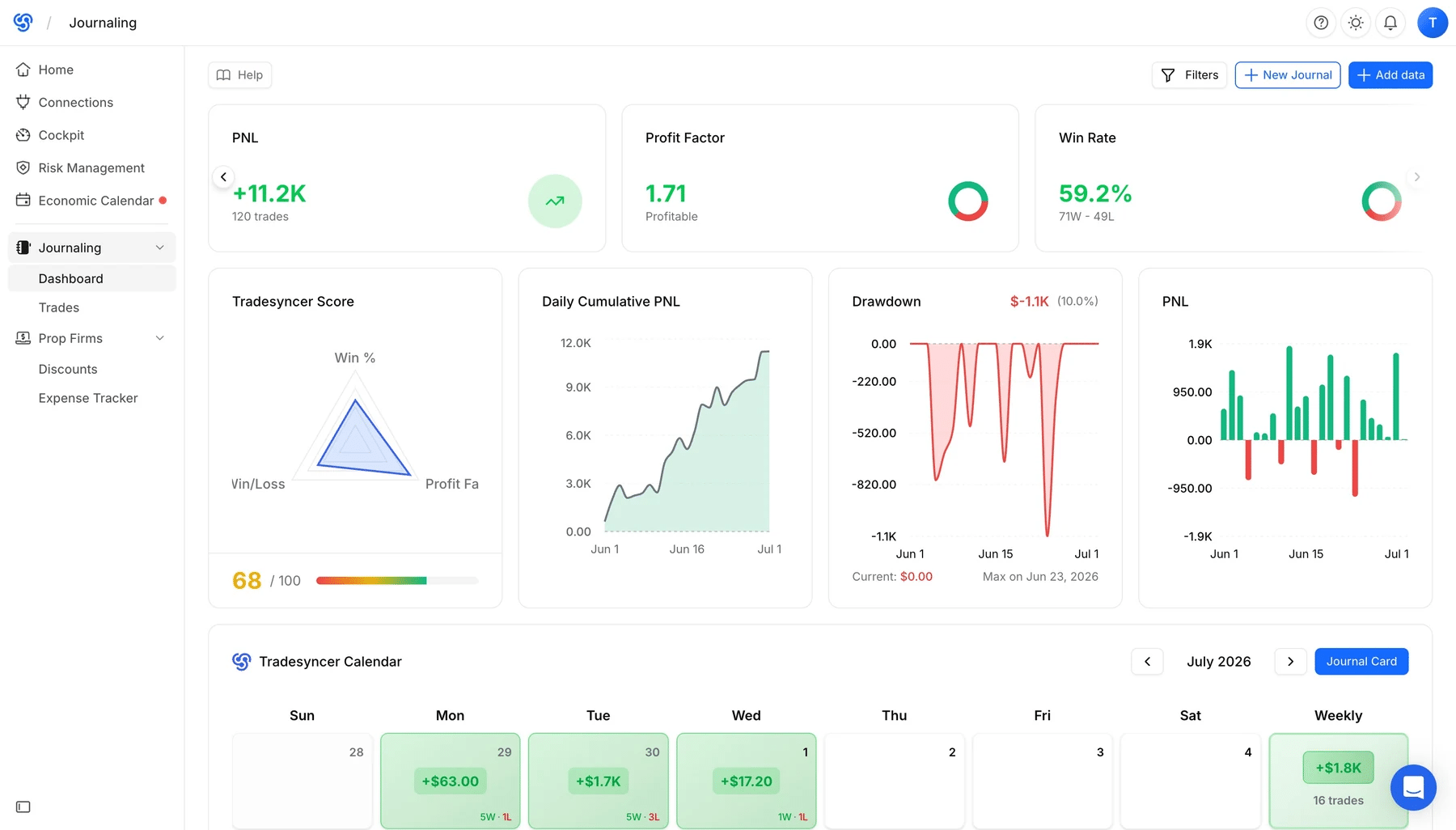

Built for speed, with executions averaging under 50ms. Actual timing may vary.
Mitigate manual trade entry errors and the friction of switching between tabs.
Reduce overtrading by executing once instead of trading each account separately.
Scale your trading business responsibly, with flexible position sizing for each account based on its risk tolerance.
Built to grow with your trading business.

Keep follower accounts aligned with the leader. No unwanted exposure.

Connect your TradingView-linked accounts through Tradovate.

Bracket and OCO orders copy and update automatically.

Adjust position sizing for each follower account using multipliers.

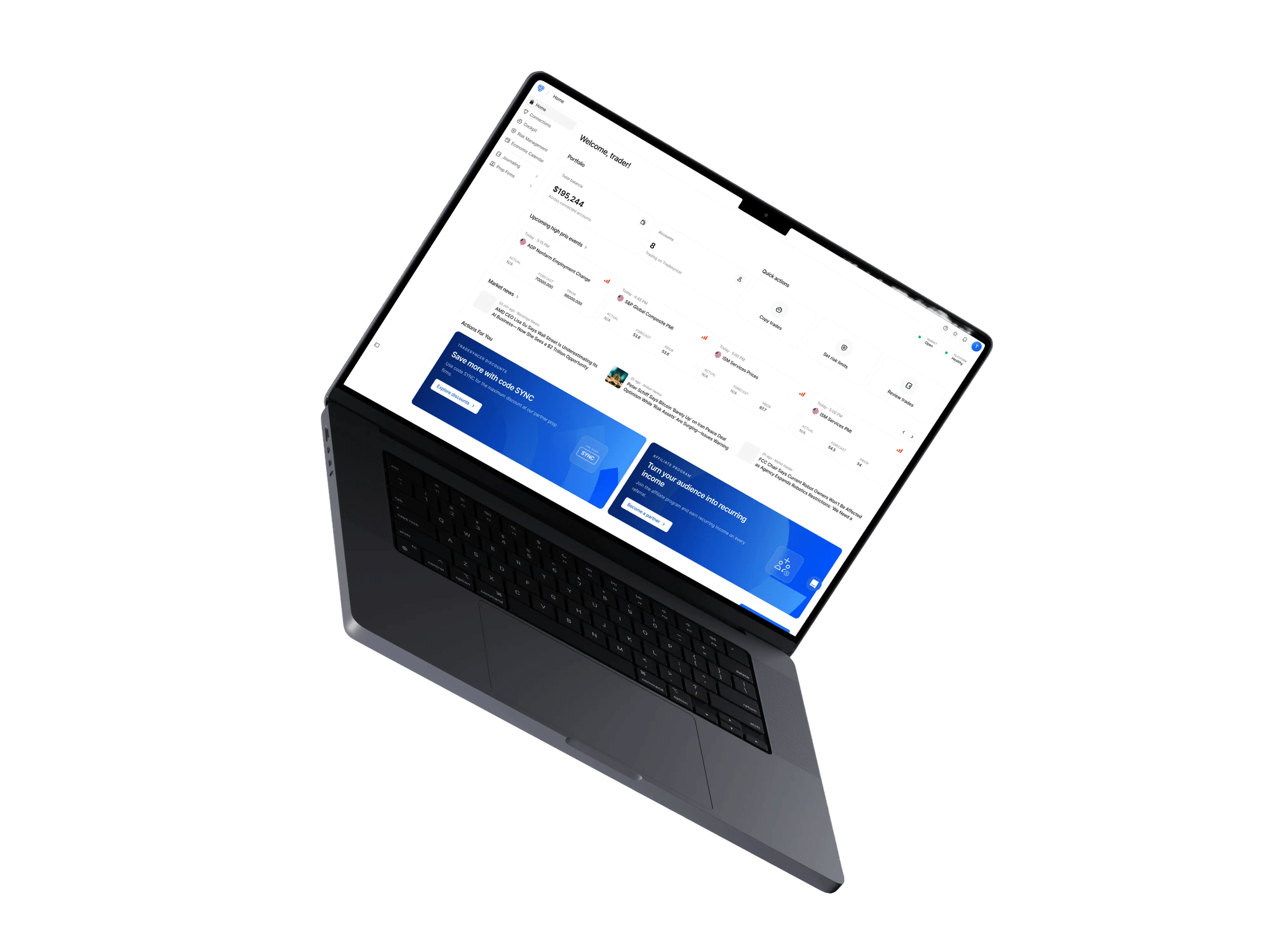
See your portfolio performance at a glance.

Trade account groups separately by strategy, risk, or account type.

Cleaner syncing by copying only leader orders that actually fill.

Know the moment something needs your attention.

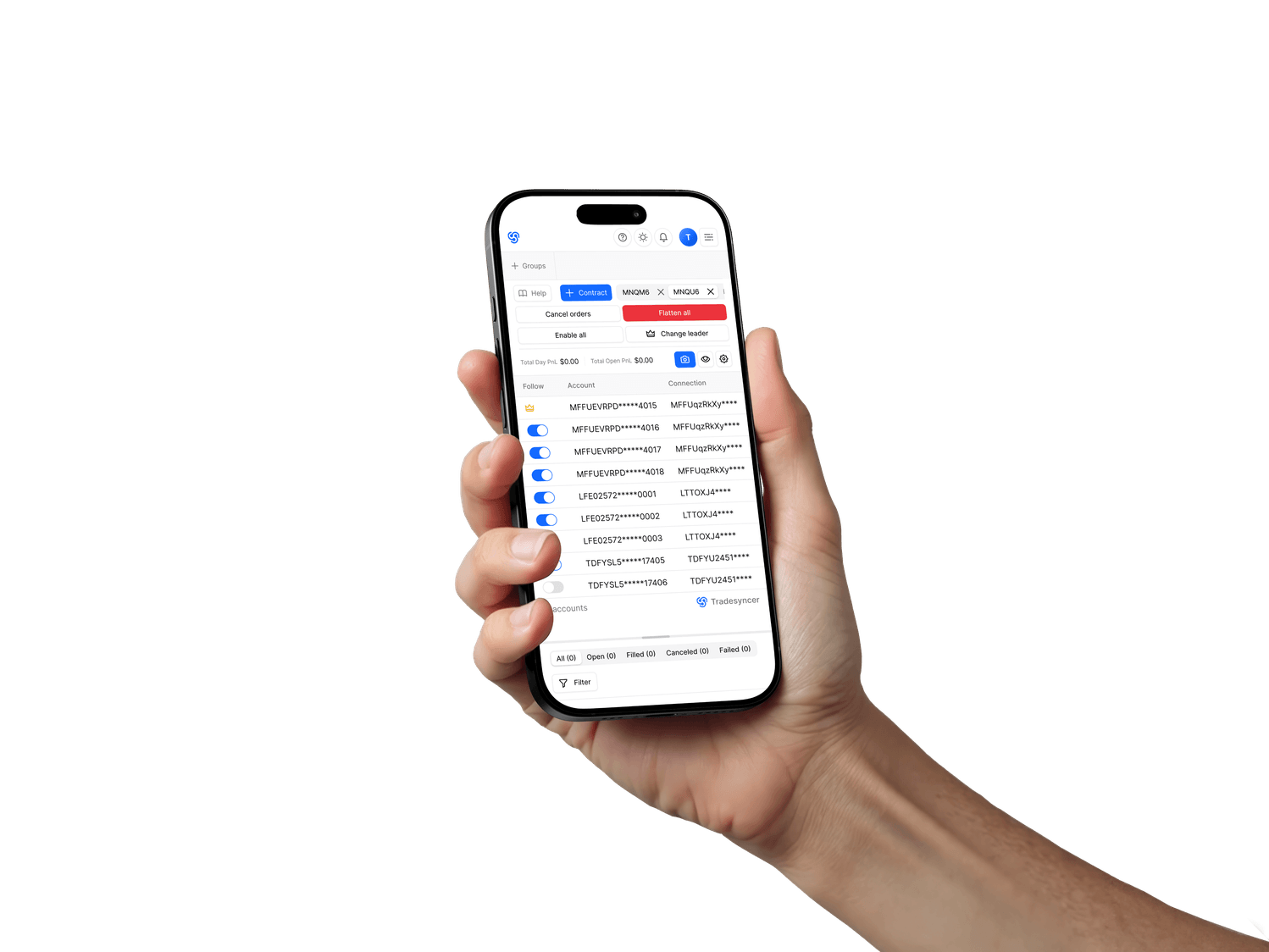
Access your trading operation from anywhere.

Work on desktop, laptop, tablet, or phone.

Trade on the devices you already use.

Fully compliant with prop firm rules.
Recent 5-star reviews from traders using Tradesyncer.


"If you're managing more than one account, timing is everything. I've been using Tradesyncer to mirror my trades instantly across accounts…"
"I have been using Tradesyncer for a while now, and it has completely exceeded my expectations. The tool itself works flawlessly…"
"Fantastic tool to copy trades across multiple brokers with multiple integrated tools. The platform is also constantly improving…"
 GDPR compliant
 CCPA compliant
 SSL encrypted
 NIS2 compliant
 ISO 27002 compliant
Tradesyncer connects through supported broker APIs and keeps your trading workflow in the cloud.
Everything you need to know about using Tradesyncer with Tradovate.
Read moreYes. Connect your Tradovate accounts to Tradesyncer for copy trading, journaling, and supported risk management features.
Yes. Tradesyncer supports copying across connected Tradovate accounts. Availability can depend on your account type or provider, so always check the rules that apply to your accounts.
Tradovate supports some of Tradesyncer’s core workflows, including copy trading, one-click journaling, and Tradovate-specific risk management features.
No. Tradesyncer runs in the cloud, so there’s no VPS to set up or maintain.
Yes. Try Tradesyncer free for 7 days. Card required. Your card is charged on day 7 unless you cancel before then.
Monitor P&L, account status, and every prop firm connection from desktop or mobile, wherever you are.
Confirm the connection path, set follower sizing where supported, and review copied fills during your 7-day free trial.