Live account traders
Keep multiple broker accounts in sync from the same execution, without placing the same trade account by account.


Keep execution consistent across accounts without repeating every order.
Trade your own capital across your setup, without multiplying the manual work.
Keep multiple broker accounts in sync from the same execution, without placing the same trade account by account.
Connect supported accounts across Tradovate, NinjaTrader, Rithmic, TradingView, ProjectX, and more without rebuilding your workflow.
Use Ratio and Cross Order to copy the same trade with the contract size that fits each connected account.
Sizing, platforms, sessions, and review all need to work together across your setup.

Sizing, platforms, sessions, and review still have to stay aligned.

Micro and mini contracts need the right sizing for each account.

Local-first tools add another dependency to your trading setup.

Session controls help define when copying can and can’t happen.
Run multiple futures accounts through the same connected workflow.

Connect your futures setup
Set your leader and followers
Set session lockouts
Add daily limits where supported
Tradesyncer supports your futures workflow, but platform, broker, and prop firm rules always remain your responsibility. Copy-trading rules vary by firm. You stay in control, the copier only mirrors where your firm allows it. Tradesyncer doesn't vouch for any firm's legitimacy or regulatory standing.
See all supported prop firmsCopy trades, manage risk, and review performance without splitting the work across tools.
Keep execution aligned across your connected accounts, with contract sizing matched for each follower.
Discover moreSet session lockouts and supported daily controls alongside the accounts you already manage.
Discover moreKeep supported copied trades and imports together, with PnL, tags, and account context ready for review.
Discover moreReviews from traders using Tradesyncer across their futures setup.


"If you're managing more than one account, timing is everything. I've been using Tradesyncer to mirror my trades instantly across accounts…"
"I have been using Tradesyncer for a while now, and it has completely exceeded my expectations. The tool itself works flawlessly…"
"Fantastic tool to copy trades across multiple brokers with multiple integrated tools. The platform is also constantly improving…"
Everything you need to know before connecting your futures accounts.
Read moreTradesyncer supports futures workflows across Tradovate, NinjaTrader, Rithmic, TradingView, ProjectX, Quantower, Sierra Chart, ATAS, Volumetrica, and dxFeed.
Yes. Use Ratio and Cross Order to set the right contract and size for each follower account.
No. Tradesyncer runs in the cloud, so you don’t need to keep your own machine or VPS running.
Yes, where your prop firm allows copy trading. Always check each firm’s rules before copying across accounts.
Yes. Try Tradesyncer free for 7 days. Card required. Your card is charged on day 7 unless you cancel before then.
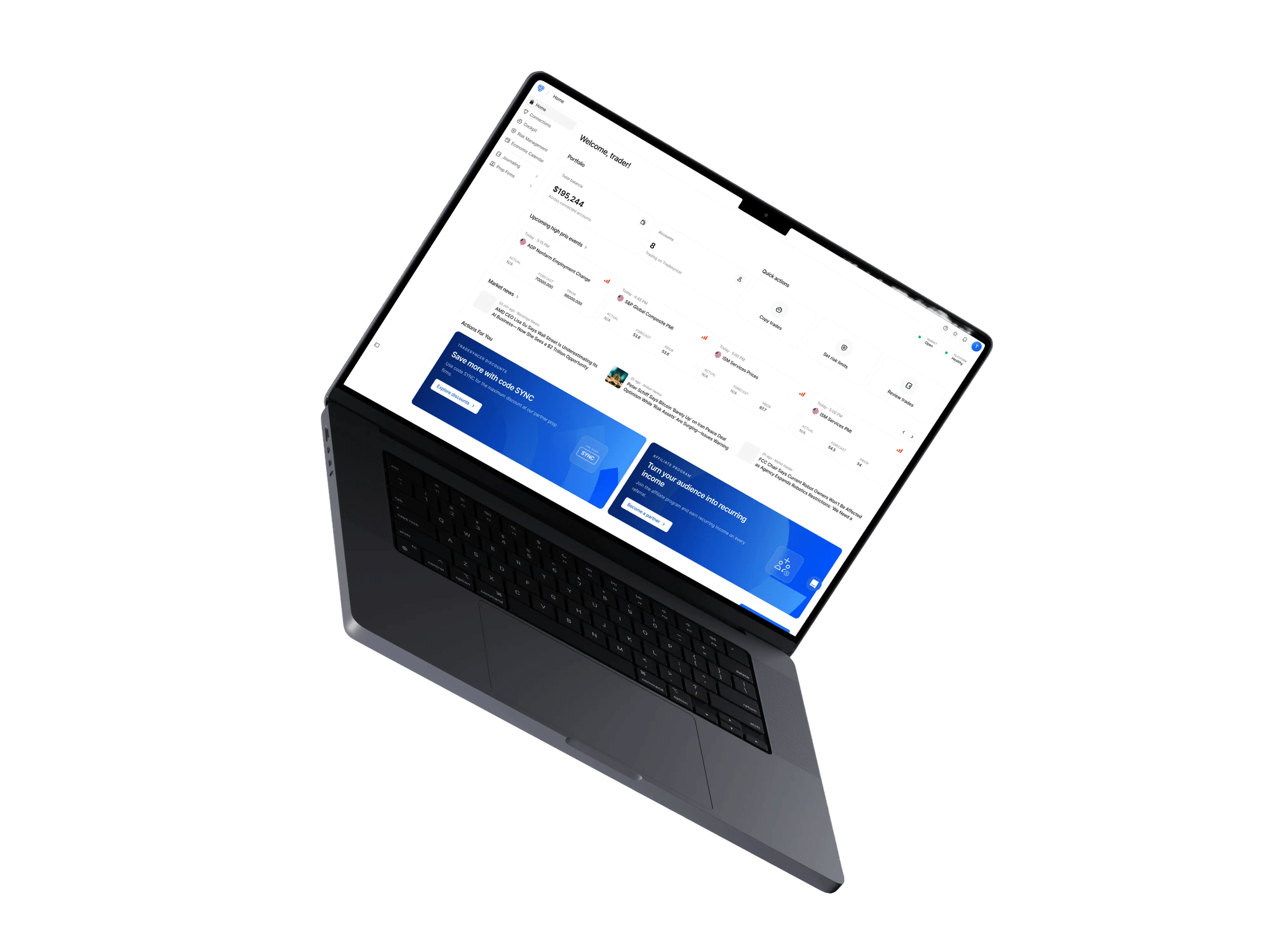
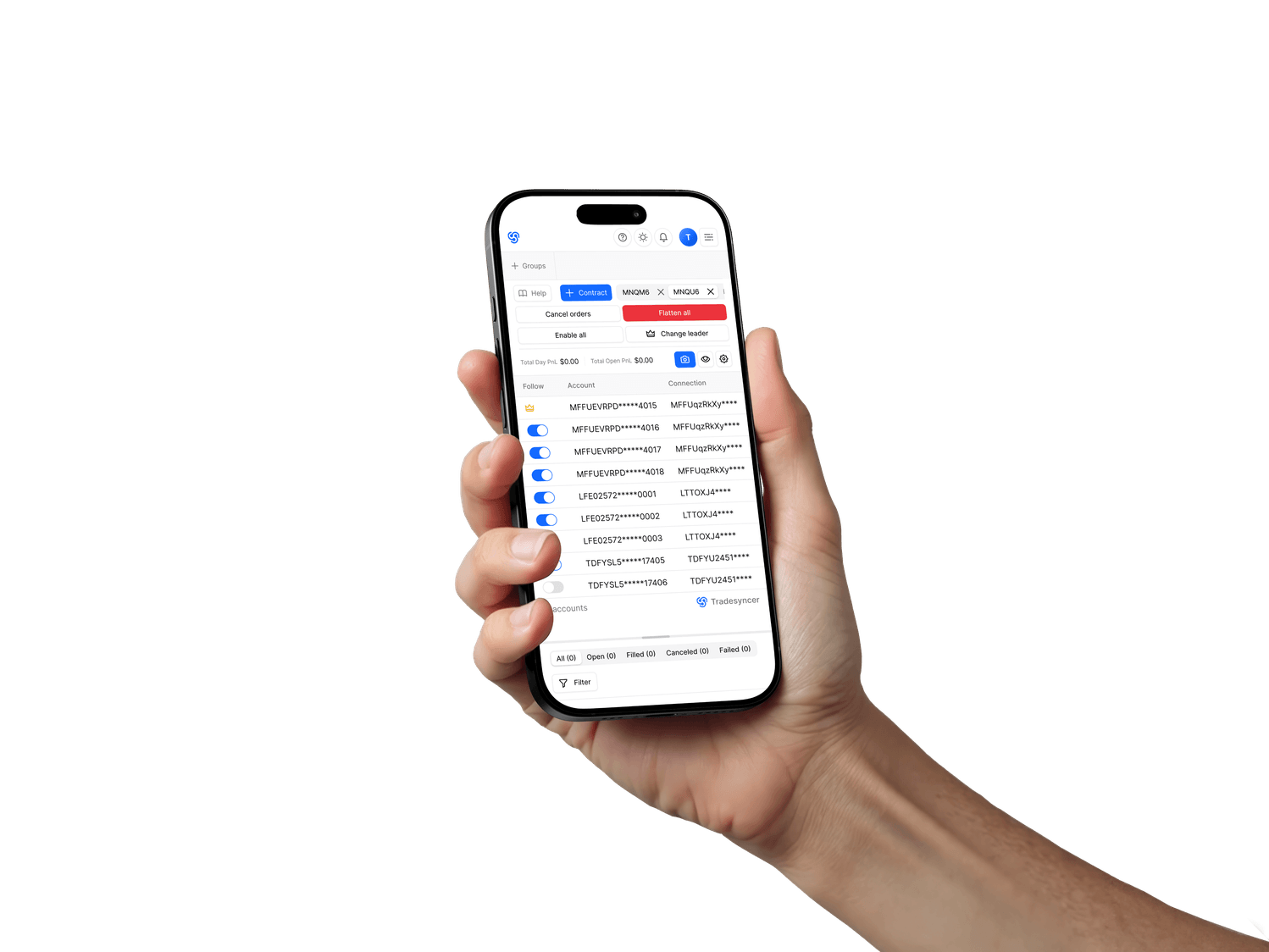
Monitor P&L, account status, and every prop firm connection from desktop or mobile, wherever you are.
Copy trades, manage risk, and review every futures account from one cloud workspace.